
New Page
How To Set Up Automatic Replies In Outlook
Made by Jeremy Romain with Scribe
Learn how to configure out-of-office responses for both internal and external email recipients. This guide simplifies the process of managing your communication status to ensure your colleagues and clients are notified when you are away.
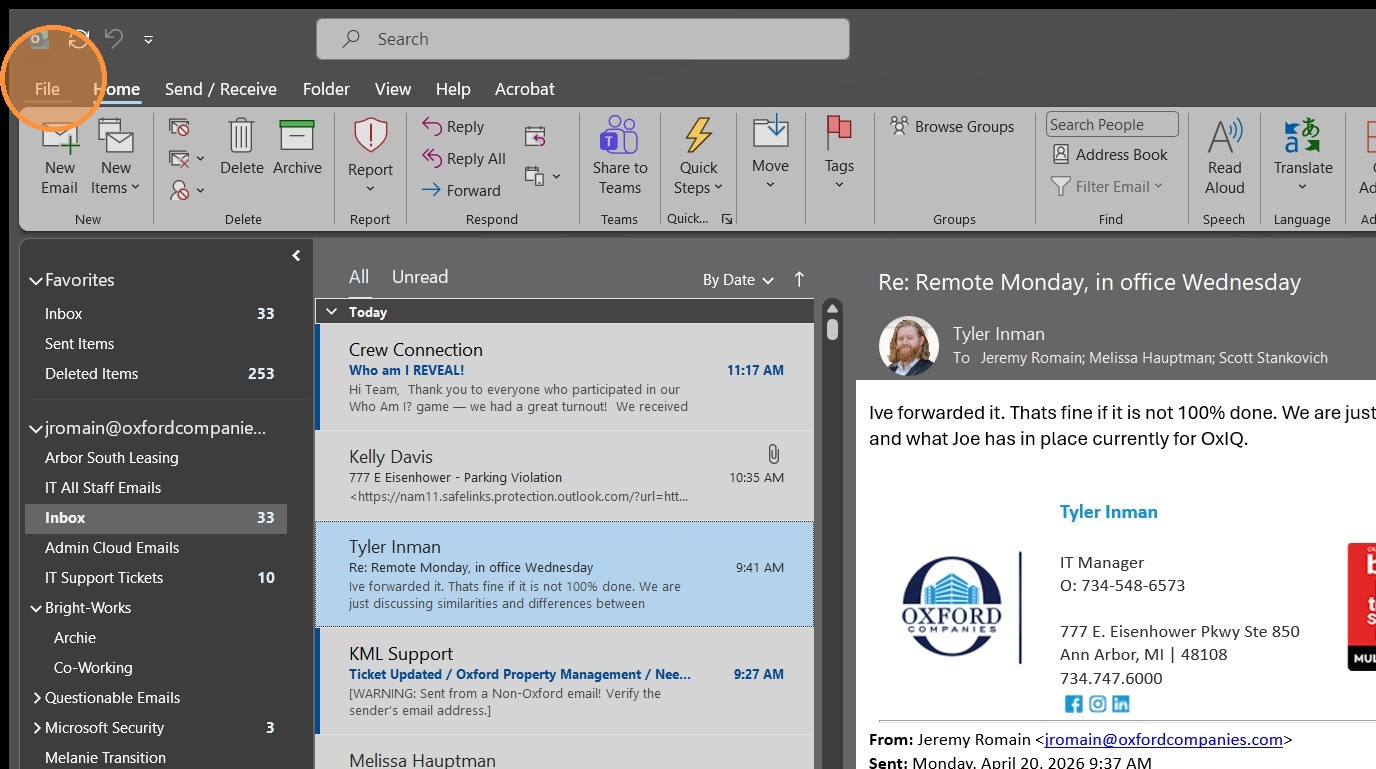
1. Click "File"
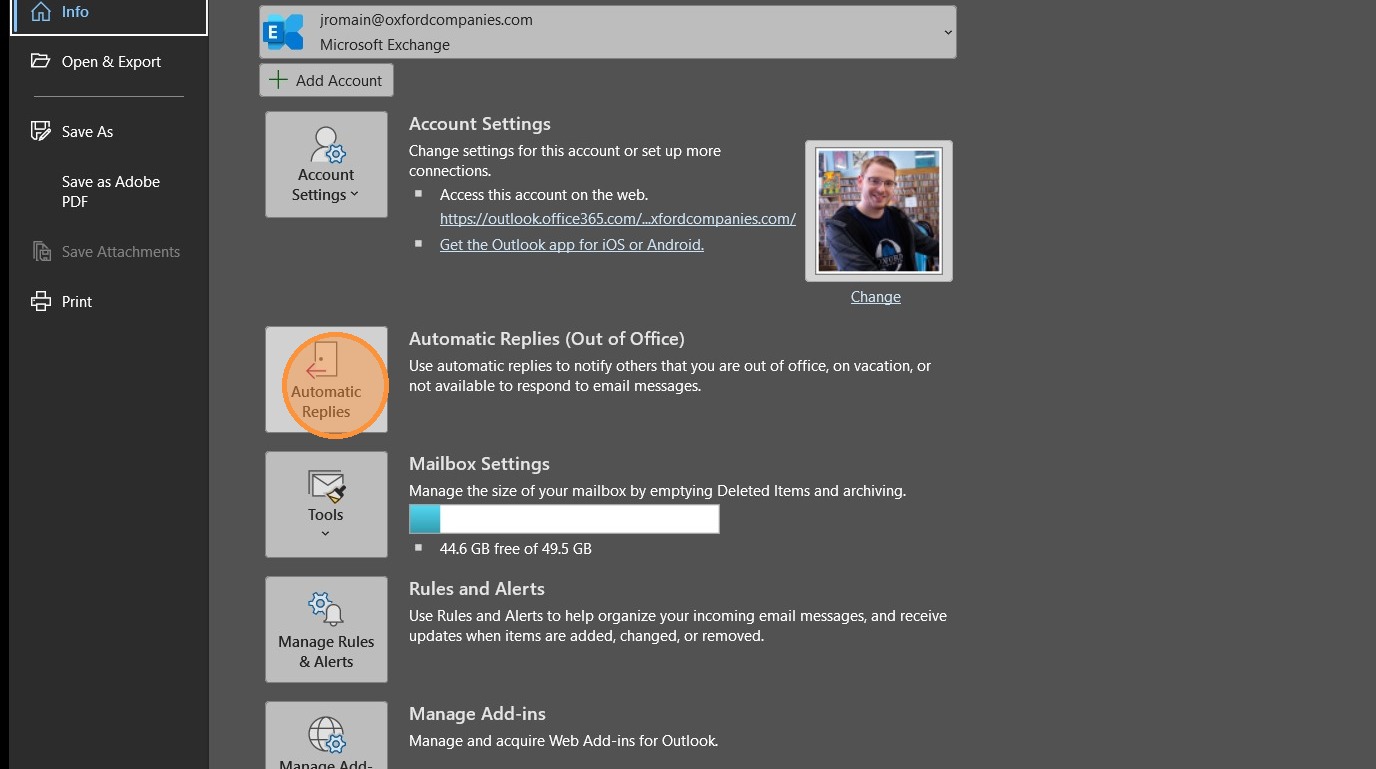
2. Click "Automatic Replies"
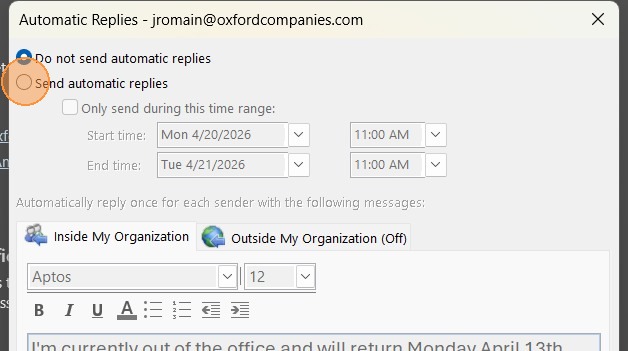
3. Select "Send automatic replies"
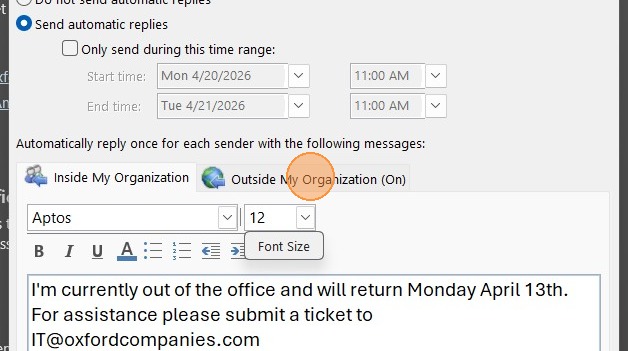
4. Click the "Outside My Organization" tab
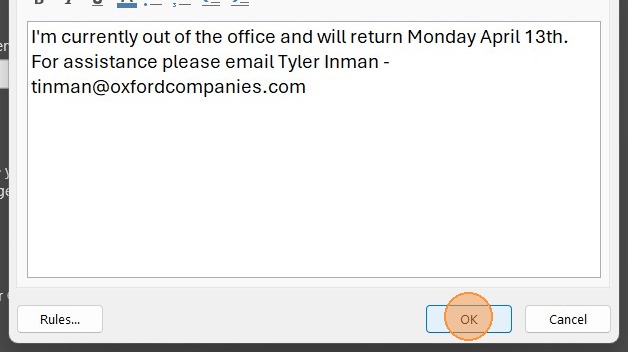
5. Click "OK" to save and enable automatic replies
No comments to display
No comments to display