
Add "BCC and From" fields to Outlook
How to Enable BCCBcc and From optionsFields in Outlook.
Outlook
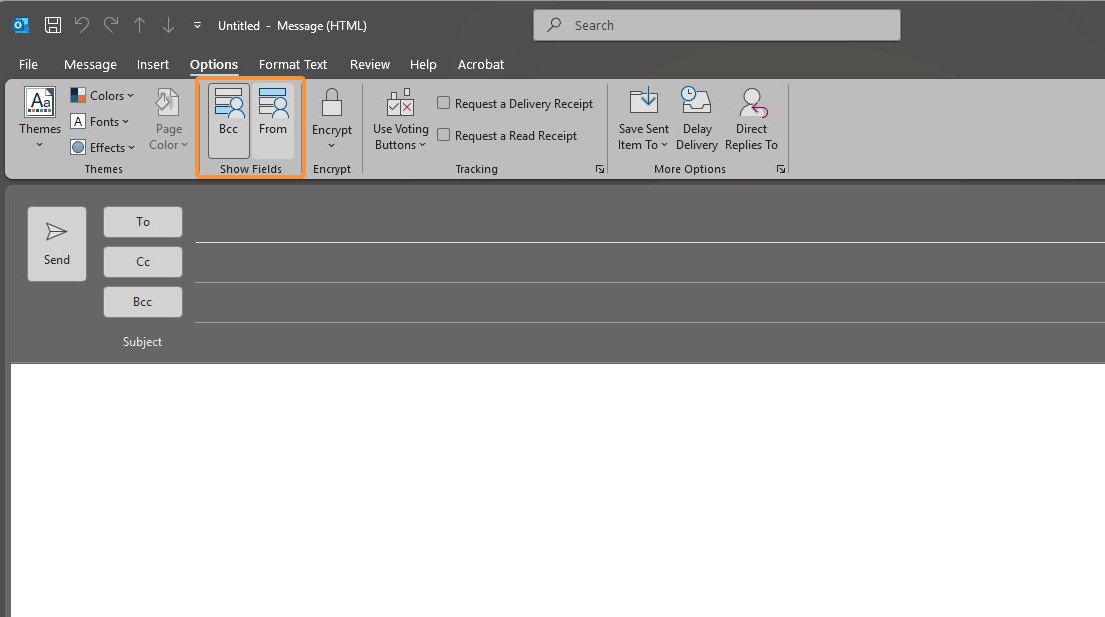
HaveLearnahowquestiontoorcustomizecomment? Please send us anyour emailatcompositionIT@oxfordcompanies.comwindowThankbyyou!adding the Bcc and From fields. This guide helps you manage your sender identity and maintain recipient privacy during your email workflow.
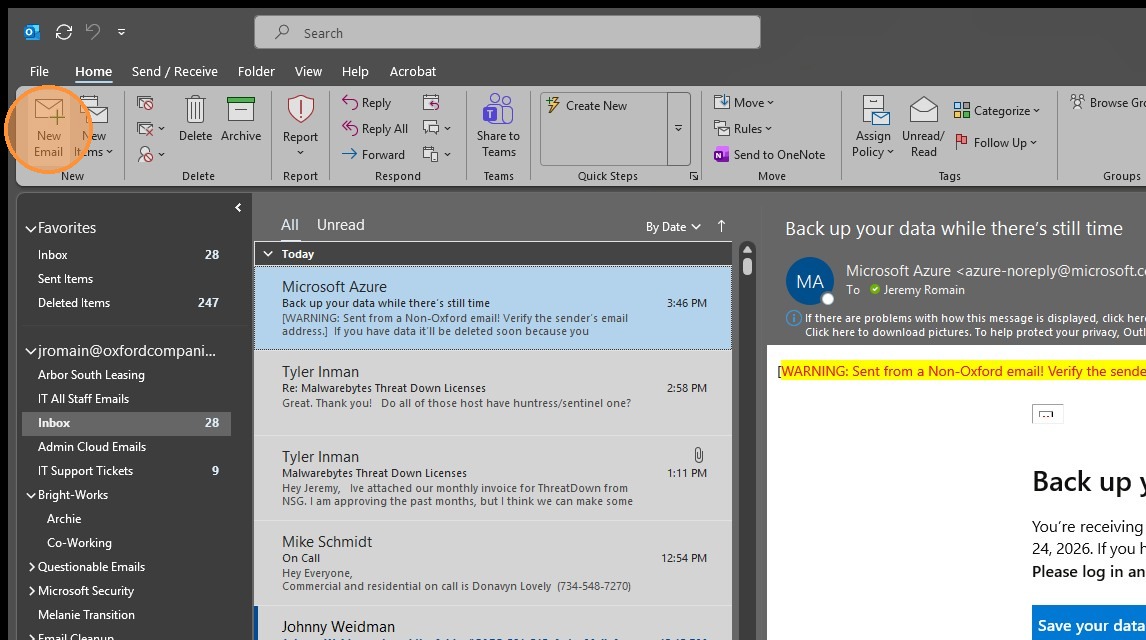
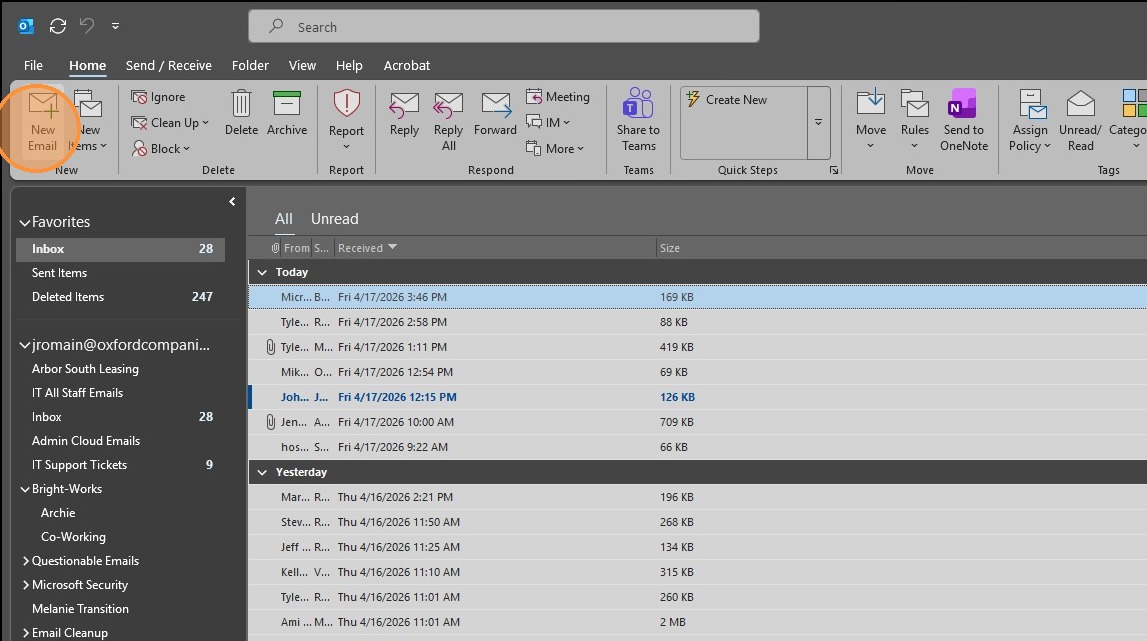
1. Click "New Email" to open a new message window.
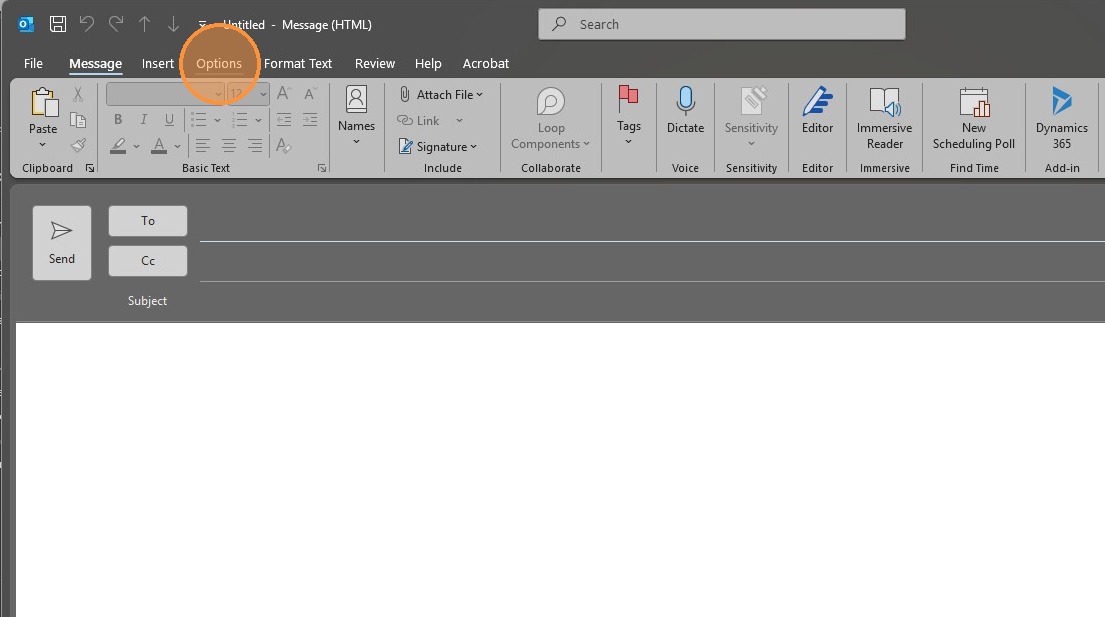
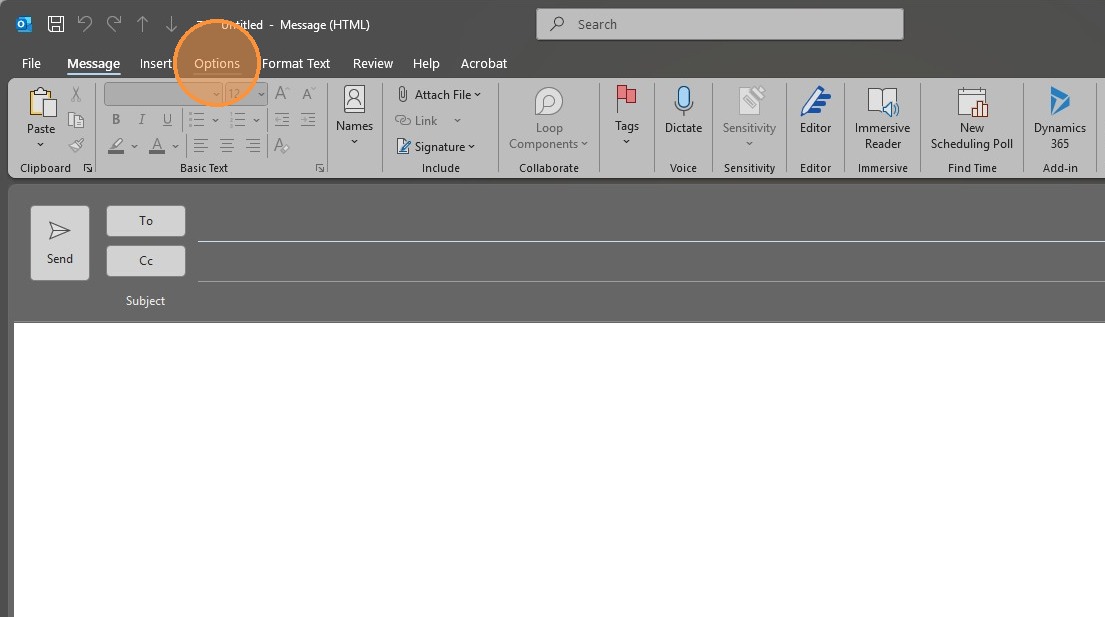
2. ClickSelect the "Options" tab fromin the newtop message windowribbon.
3. Click "Bcc"BCC" to enable the field
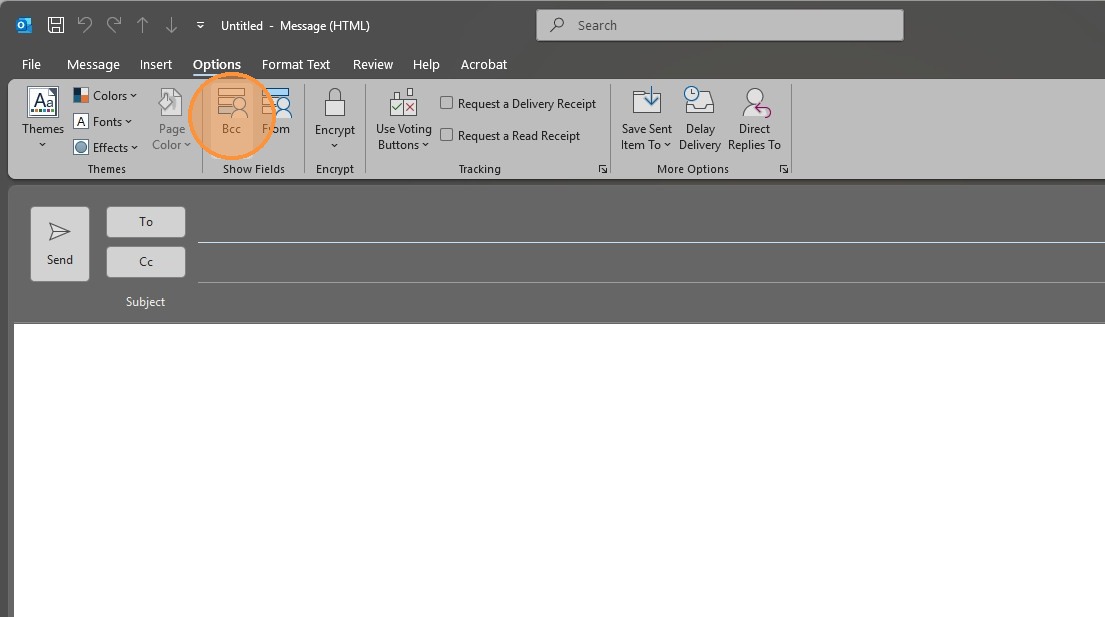
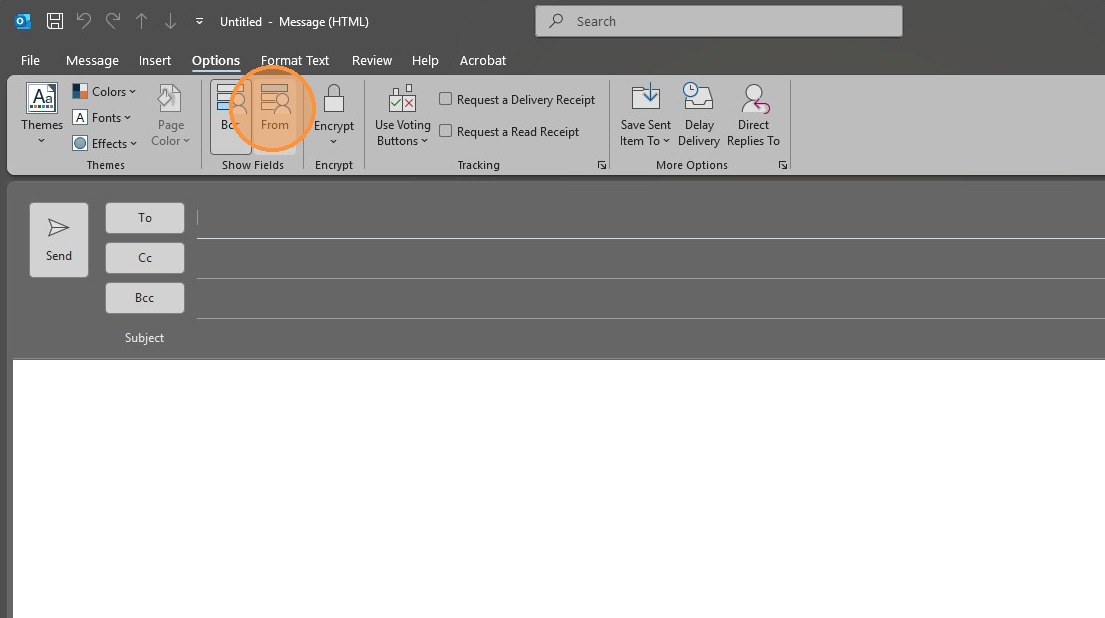
4. Clickand "From" to enable thethese fieldoptions.
Made with Scribe
Article created by Jeremy Romain