
Outlook BCC and FROM
How to Enable BCC and From options in Outlook.
Have a question or comment? Please send us an email at IT@oxfordcompanies.com Thank you!
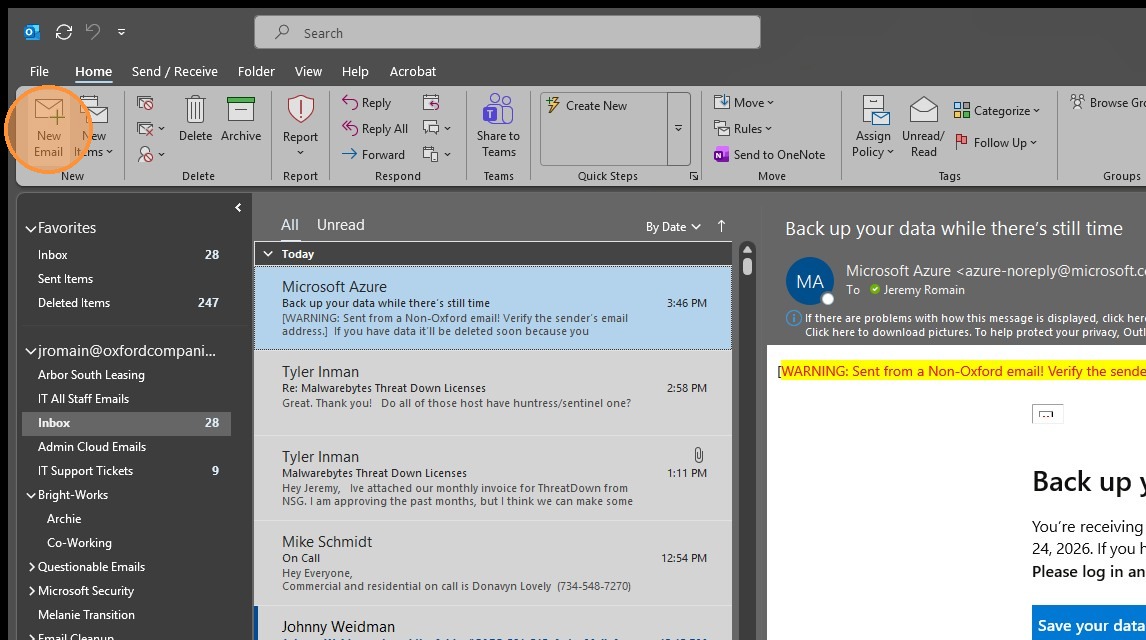
1. Click "New Email"
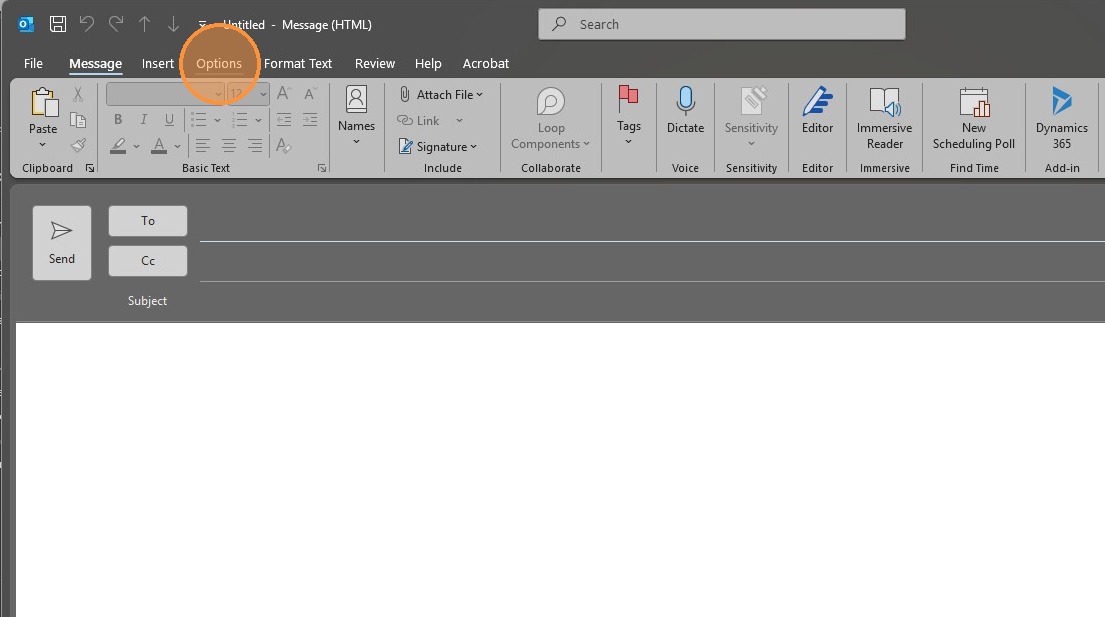
2. Click "Options" tab from the new message window
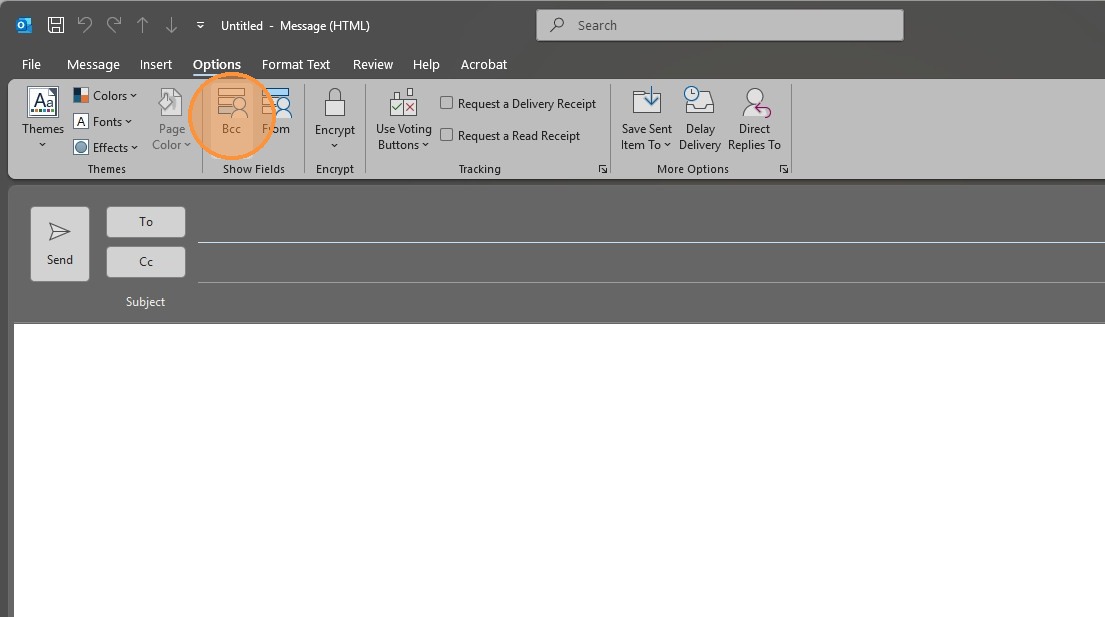
3. Click "Bcc" to enable the field
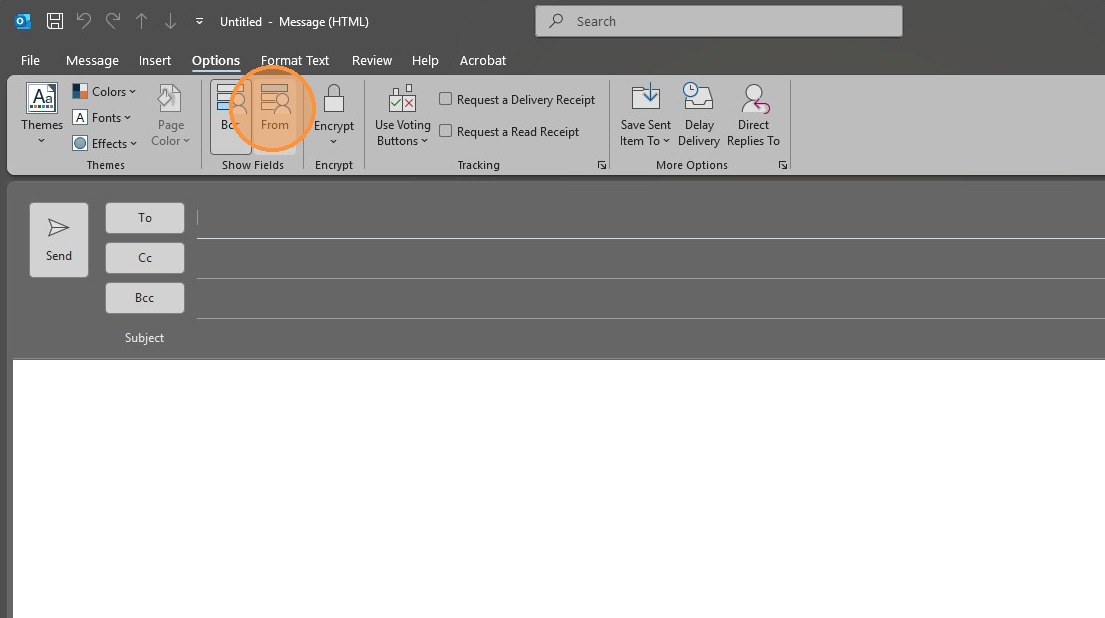
4. Click "From" to enable the field
Made with Scribe
Article created by Jeremy Romain