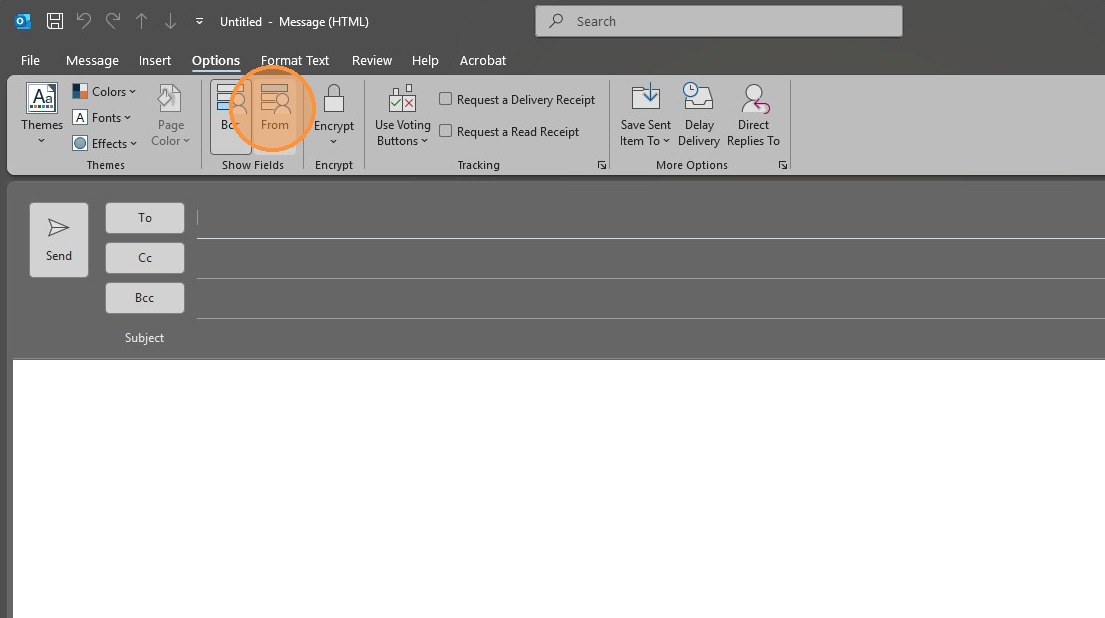
Outlook Enable "BCC and From"
How to Enable BCC and From options in Outlook.
Questions sentHave aticketquestiontoorIT,comment?pleasePlease send us an emailmailto:at IT@oxfordcompanies.com Thank you!
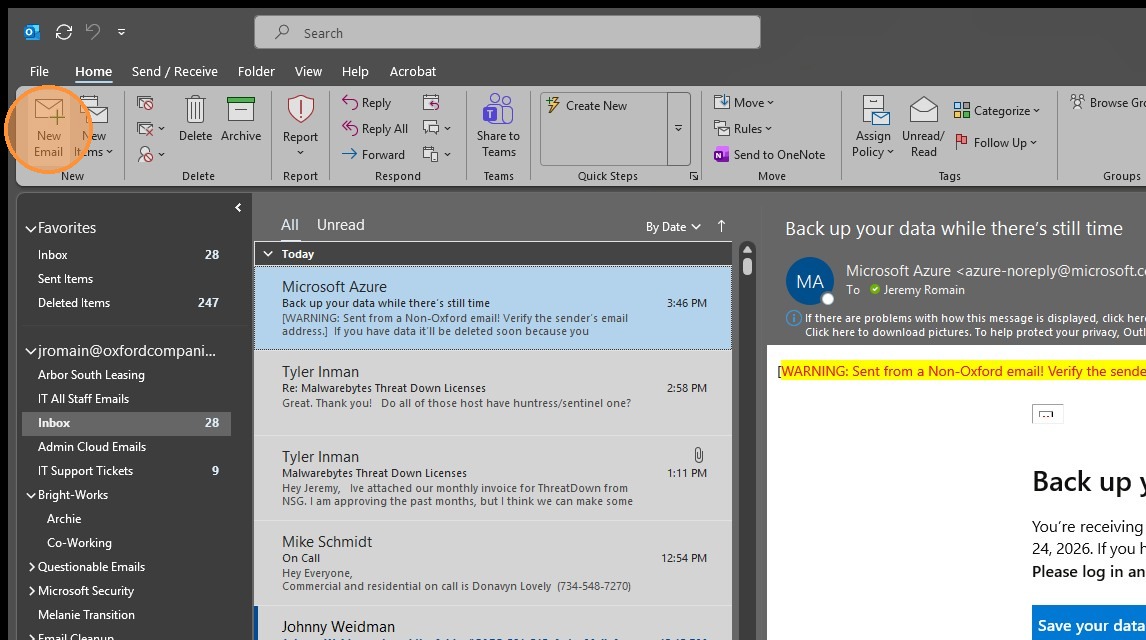
1. Click "New Email"
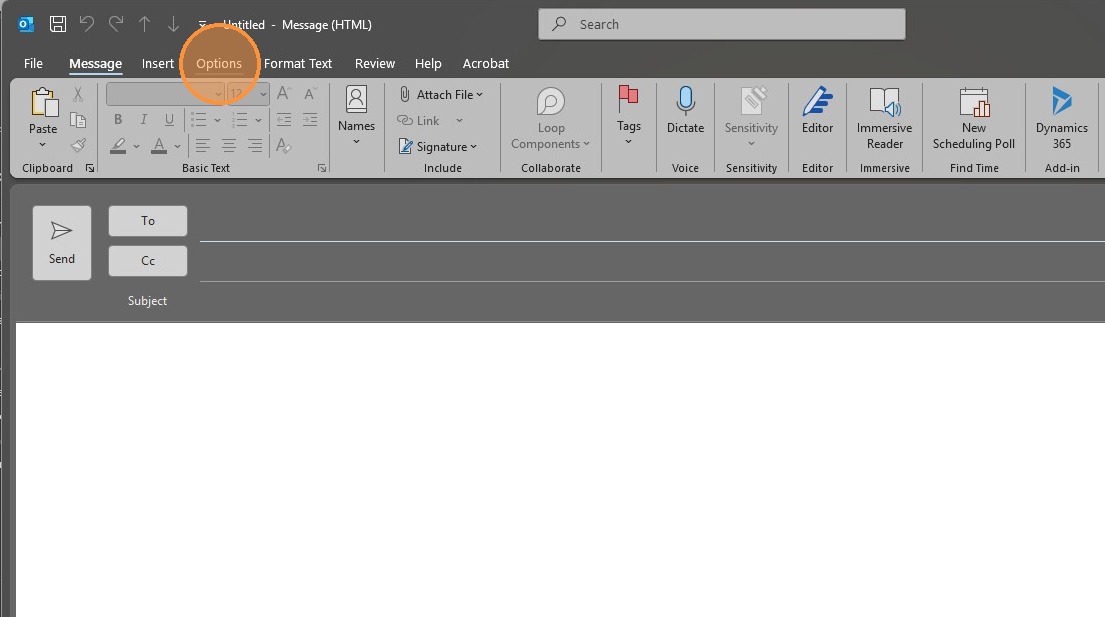
2. Click "Options" tab from the new message window
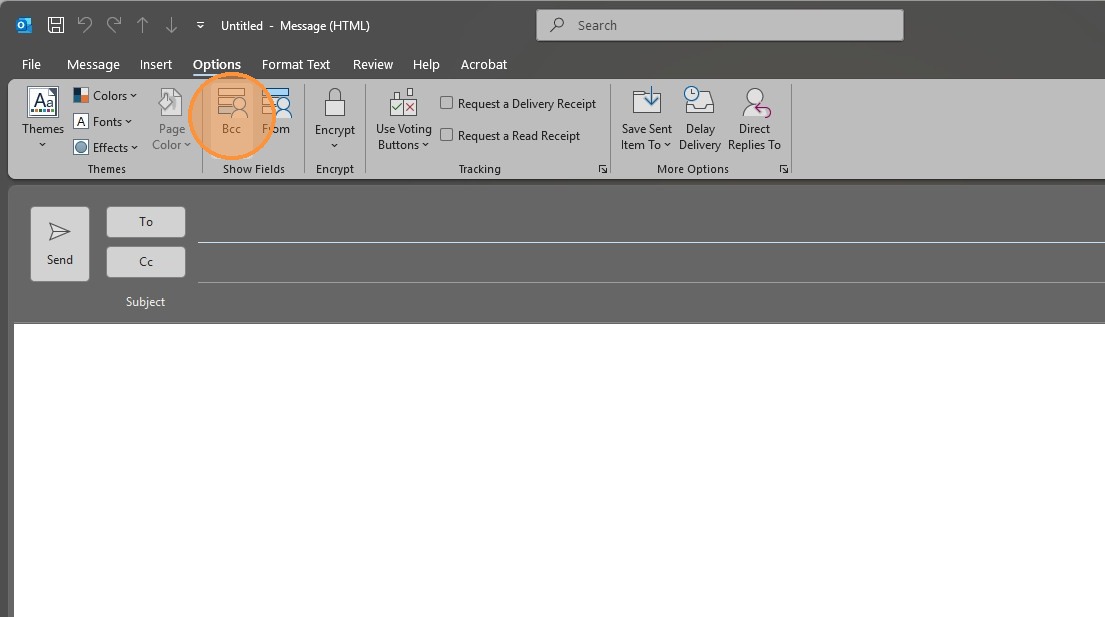
3. Click "Bcc" to enable the field
4. Click "From" to enable the field